Organic designs
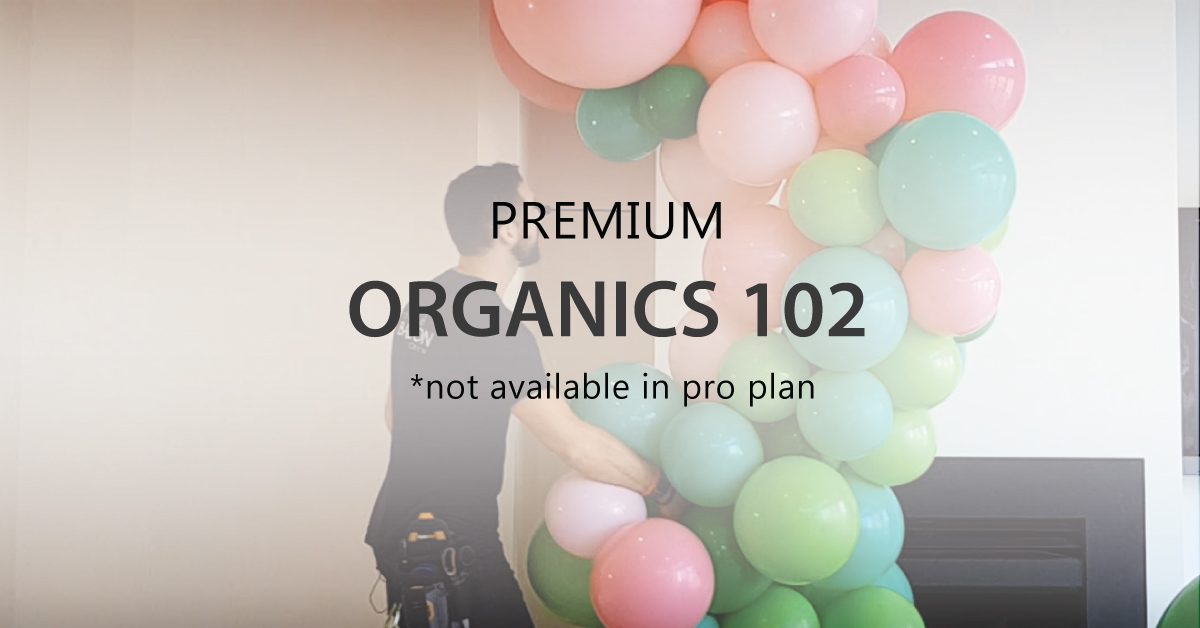
Build organic garlands and shapes, explore different balloon sizes and colours, and refine the arrangement on screen. Use the Organic Design Tool to develop the look before you start building.

Access expert video tutorials, industry resources and our custom-built balloon design and calculating tool, BalloonPro Design.
Be inspired. Learn from the best. Plan your next creation.
Industry-leading tools to enhance your workflow.
Expert instructional videos from Chris Adamo CBA.
Resources for a community of like-minded professionals.
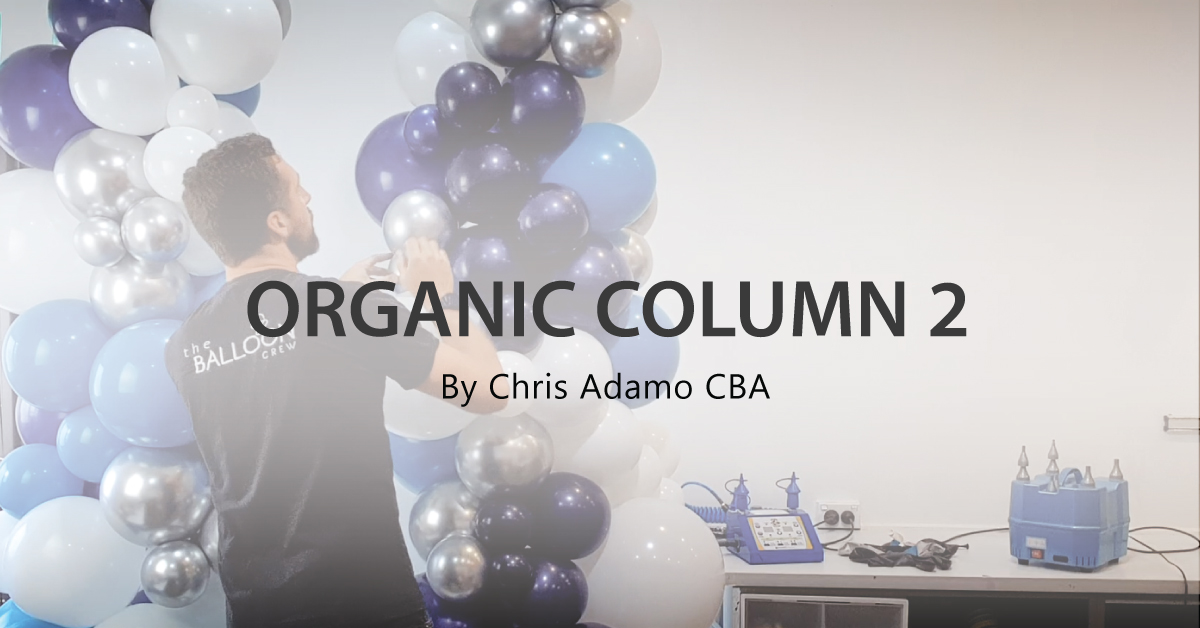
Learn balloon art, industry tips and practical techniques with Chris Adamo CBA.
Access expert video tutorials and develop your skills with practical training for balloon professionals.
View all lessonsCreate and calculate balloon decor with digital renders for your next quote. Explore organics, arches, columns, linking walls, duplet square pack and volume calculators.
Learn balloon art, industry tips and practical techniques with Chris Adamo CBA.
View all lessonsExplore the shapes, colours and possibilities before you inflate a balloon. Bring your concept to life, work out what you need and prepare a design you can share with your client and your team.
Build organic garlands and shapes, explore different balloon sizes and colours, and refine the arrangement on screen. Use the Organic Design Tool to develop the look before you start building.
Plan classic balloon decor with dedicated arch, column and duplet ring tools. Adjust dimensions, balloon sizes and colour patterns to suit your space and your event.
Design with Duplet Square Pack, Alternate Size Pack, Gridz, 6-inch and 12-inch linking grids, the 12-inch X Grid and the 6-inch / 12-inch Hybrid Wall. Explore colour placement across the pattern.
Compose balloon arrangements or work with the dedicated PVC sphere designer. Position elements, explore sizes and finishes, and use Scene Scale to plan proportions.
Explore balloon colours, compare combinations and use Find My Colour to help choose your palette. Apply colours to your design and explore automatic colour mapping where supported.
Upload a background photo and bring design elements together in the mockup workspace. Adjust their size and placement to show how your concept could look at the venue.
Use the arch, column, ring, organic, ceiling, size and volume calculators to plan quantities and dimensions. Review balloon counts and stock breakdowns, and prepare production guides for supported designs.
Save your designs, return to refine an idea and export renders to share with clients. Keep the visual concept and your production planning together as the project develops.